Your family’s museum. Open at home.
Mundus keeps your family’s photos, stories, recipes and plans together on your own computers. No cloud account and no opening hours: it works even when the internet doesn’t.
- On your own computers
- No cloud account
- Works without the internet
- Windows today
Six halls, one for every room in Mundus.
Every room of the program hangs in this corridor, framed in copper. Walk along it, stop where you like, and step into any of them. What you see inside is the program itself.
Scroll to walk the corridor
-
Hall I
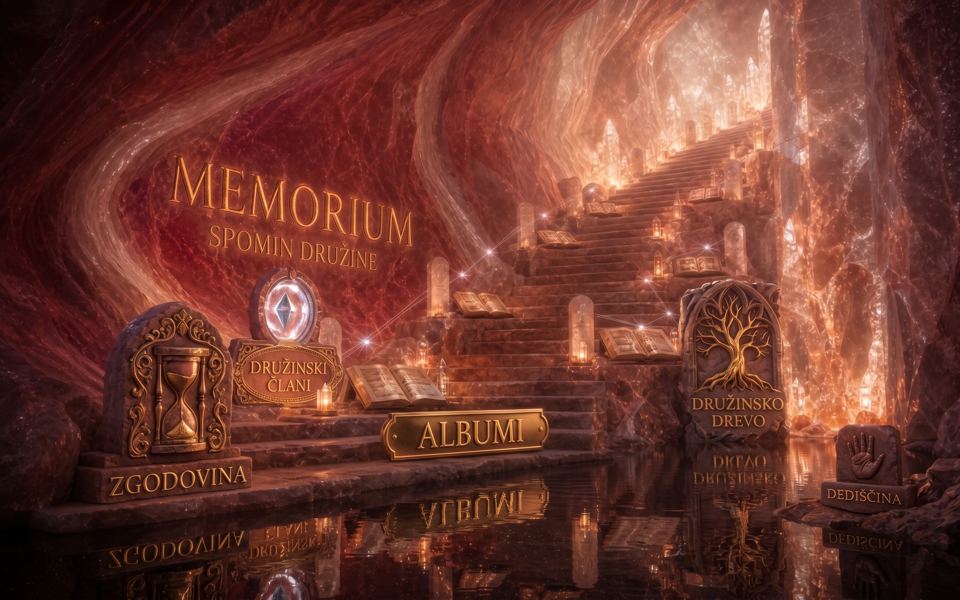
Memorium
The heart of the collection. Albums for every person and every year, and the stories grandparents wrote or told: the family’s history, memories and notes, gathered so the next generation can read them.
Scene from AlterVision 1.18.4, Salt Memory theme. AI-generated illustration.
Signs in this scene
- SPOMIN DRUŽINE Family memory
- ZGODOVINA History
- DRUŽINSKI ČLANI Family members
- ALBUMI Albums
- DRUŽINSKO DREVO Family tree
- DEDIŠČINA Heritage
-
Hall II
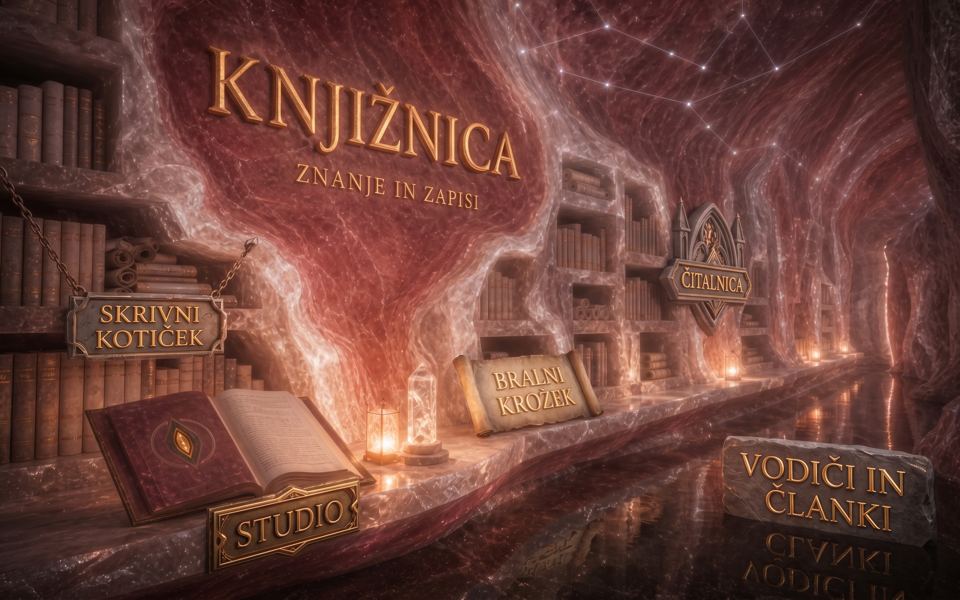
Library
Everything worth keeping that isn’t a photo: recipes, manuals, letters, school work and documents. One search covers every shelf.
Scene from AlterVision 1.18.4, Salt Memory theme. AI-generated illustration.
Signs in this scene
- KNJIŽNICA Library
- ZNANJE IN ZAPISI Knowledge and writings
- SKRIVNI KOTIČEK Hidden corner
- STUDIO Studio
- BRALNI KROŽEK Reading circle
- ČITALNICA Reading room
- VODIČI IN ČLANKI Guides and articles
-
Hall III
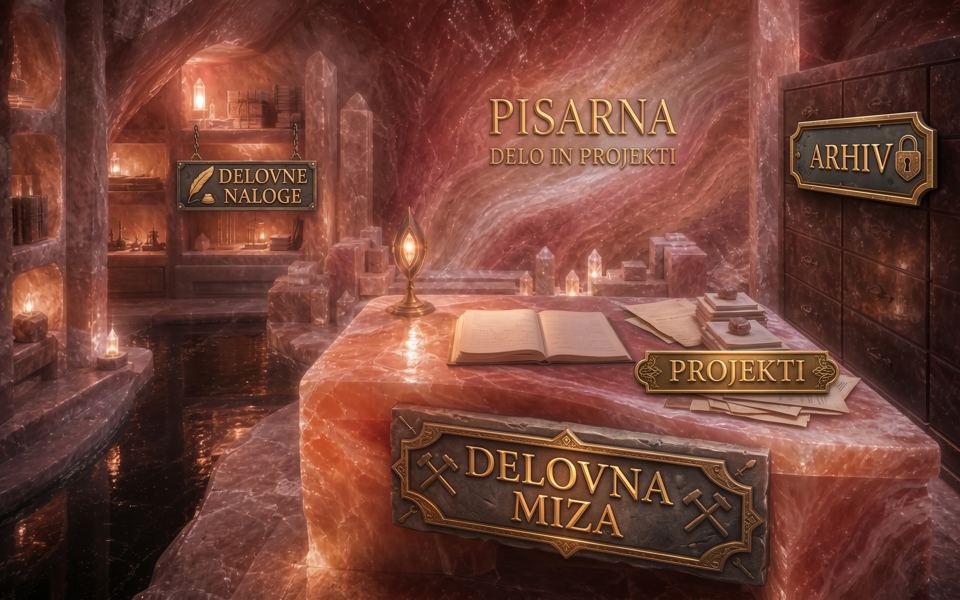
Office
Where the household gets run: shared shopping and to-do lists, birthdays and family dates, and notes the whole house can see.
Scene from AlterVision 1.18.4, Salt Memory theme. AI-generated illustration.
Signs in this scene
- PISARNA Office
- DELO IN PROJEKTI Work and projects
- DELOVNE NALOGE Tasks
- ARHIV Archive
- PROJEKTI Projects
- DELOVNA MIZA Desk
-
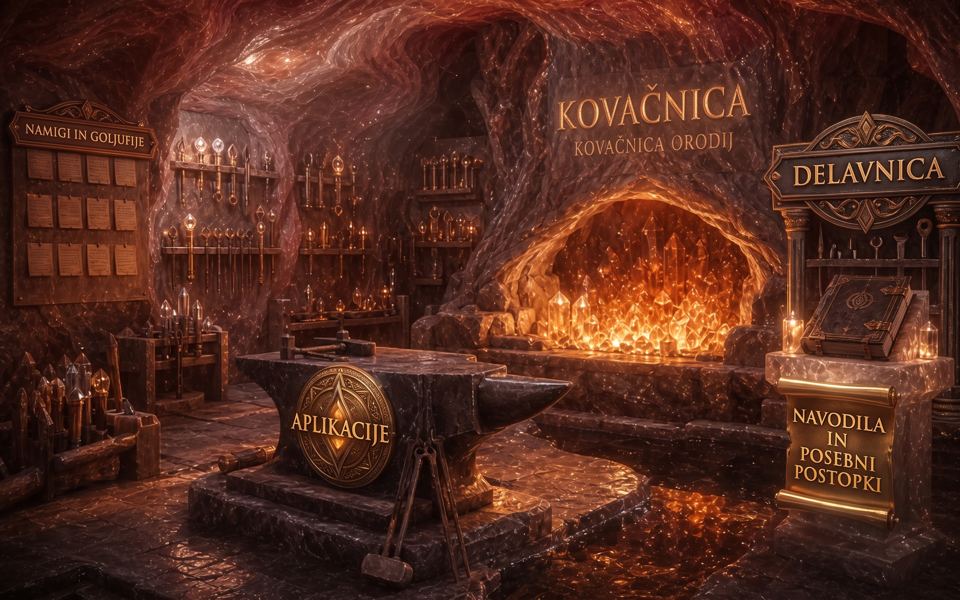
Hall IV
The Forge
A workshop of small, single-purpose apps made for families. New ones arrive regularly, and each opens inside Mundus, with nothing to install separately.
Scene from AlterVision 1.18.4, Salt Memory theme. AI-generated illustration.
Signs in this scene
- KOVAČNICA The Forge
- KOVAČNICA ORODIJ The tool forge
- NAMIGI IN GOLJUFIJE Tips and tricks
- APLIKACIJE Apps
- DELAVNICA Workshop
- NAVODILA IN POSEBNI POSTOPKI Instructions and special procedures
-
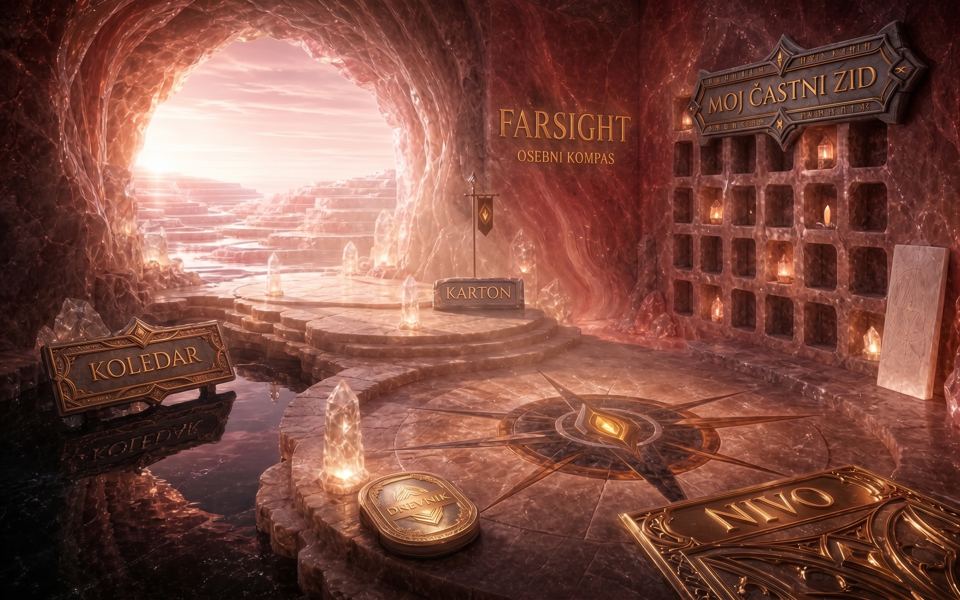
Hall V
FarSight
Your private corner: a diary only you can open, your own calendar, and goals you set each season. Nobody else in the family can open it.
Scene from AlterVision 1.18.4, Salt Memory theme. AI-generated illustration.
Signs in this scene
- OSEBNI KOMPAS Personal compass
- KOLEDAR Calendar
- KARTON Personal file
- DNEVNIK Diary
- NIVO Level
- MOJ ČASTNI ZID My wall of honour
-
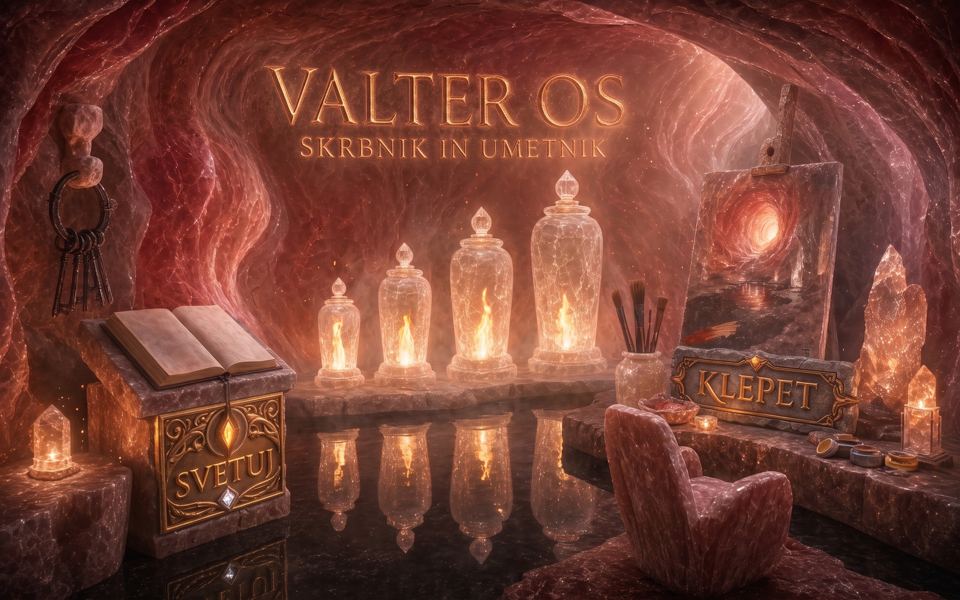
Hall VI
Valter
The helper at the gate. Valter runs on your computer, not on the internet, and does a fixed set of household jobs. You ask in plain words, and it shows you what it is doing.
Scene from AlterVision 1.18.4, Salt Memory theme. AI-generated illustration.
Signs in this scene
- SKRBNIK IN UMETNIK Keeper and artist
- SVETUJ Advice
- KLEPET Chat


All six halls are yours.
Apply for the family test
Closed to the public. Open to you.
Close the doors on the internet and nothing inside goes dark. Every hall keeps working, Valter included, because the whole archive is an ordinary folder on your own computer. There is nothing to sign in to and nothing to wait for.
Doors open. Outside: the internet, connected.
Inside the museum
- IMemoriumOpen
- IILibraryOpen
- IIIOfficeOpen
- IVThe ForgeOpen
- VFarSightOpen
- VIValterOpen
Outside the doors: the internetConnected

House to house. Never through ours.
When Grandma adds the photos from her birthday, they travel straight to your computer and to your sister’s. Family devices keep each other up to date directly, through Syncthing, and only between the people you choose.
Directly
Family devices update each other through Syncthing.
Only your people
Sync runs between the people you choose.
Never via us
The archive never passes through our servers.
- Grandma’s computer
- Your computer
- Your sister’s computer
C:\Users\Ana\Mundus\ sample path
The whole collection is one ordinary folder on your computer. Copy it. Back it up. Carry it on a USB stick.

Ask in plain words. Watch it work.
Valter is the helper built into Mundus, waiting at the gate. It runs on your computer, not on the internet, and does a fixed set of household jobs.
Valter can
- Find photos by person, place or day
- Move photos between albums
- Fix a tilted or dark photo
- You“Find the photos from Grandma’s 80th birthday.”
- ValterLooking in Memorium.
- Found the day: .
- Picked 12 photos with Grandma in them.
- Made a new album: “Grandma at 80”.
- Put the 12 photos in it.
- Done on this computer, no internet needed.
- You“Move the photos from 3 June to the album ‘Holidays’.”
- ValterLooking in Memorium.
- Found 18 photos from .
- Moved the 18 photos to “Holidays”.
- Done on this computer, no internet needed.
- You“This photo is tilted and too dark. Fix it.”
- ValterOpened the photo you chose.
- Straightened it by 4 degrees.
- Made it brighter.
- Kept the original and saved the fixed copy beside it.
- Done on this computer, no internet needed.
Valter won’t
- Send anything outside your family
- Do jobs it hasn’t been given
- Need the internet

Prvi rod · MMXXVI
It started with one family in Kranj.
Mundus began as AlterVision, a program Žan Repolusk built in Kranj, Slovenia, for his own family. His relatives use it, from grandparents to cousins. Mundus is the same castle, opened up for families anywhere.
“What we write today, someone will one day read as a letter.”

Sign the visitor’s book.
We are looking for 20–50 families to use Mundus for a month and tell us honestly what works and what doesn’t.
How the family test works
- Send the short form. We reply by email.
- We help you install Mundus on one Windows computer, then you invite your relatives.
- Your family uses it for a month.
- Your archive stays yours after the test.
Windows today. Mac, Android and iPhone versions are in progress.